
Transaction Creation Workflow Approach
Use the recommended workflows below to handle transaction creation for Maker/Checker and Direct-Level users.
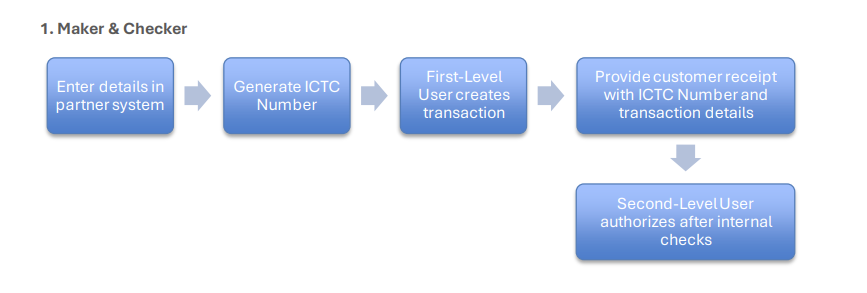
Maker & Checker:
- Enter the transaction details in partner system.
- Generate an ICTC Number.
- After generating the ICTC number, the First-Level user submits the transaction by calling the Create a Transaction API. At this stage, the transaction is created as a temporary transaction and remains pending authorization.
- After the transaction is created, give the customer a receipt that includes the ICTC number and the transaction details for reference and tracking.
- After completing the required internal checks, the Second-Level user authorizes the transaction. This completes the Maker/Checker workflow.
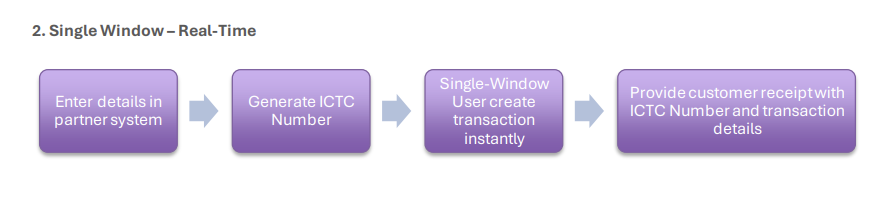
Single Window – Real-Time:
- Enter the transaction details in partner system.
- Generate an ICTC Number.
- After generating the ICTC number, call the Create a Transaction API to submit the transaction. For a Single-Level user, the transaction is created and processed immediately, so no separate authorization step is required.
- After the transaction is successfully created, give the customer a receipt that includes the ICTC number and the full transaction details for reference and tracking.
Updated 6 months ago
Did this page help you?